> For the complete documentation index, see [llms.txt](https://help.novatalks.com.ua/en/llms.txt). Markdown versions of documentation pages are available by appending `.md` to page URLs; this page is available as [Markdown](https://help.novatalks.com.ua/en/get-started/crm-light-version-guide/conversations/new-dialog.md).
# New dialog
Using the **New Conversation** function, agents can initiate a chat or call with a new client.
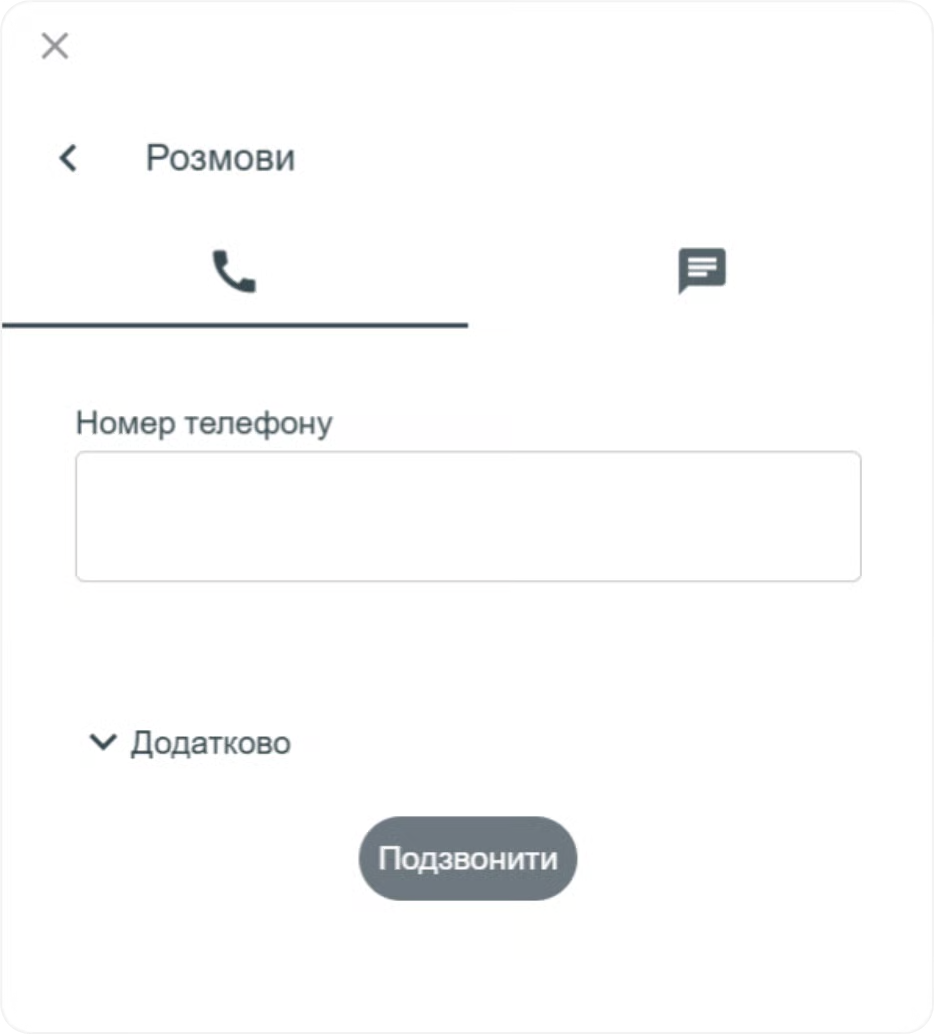
**Call first**\
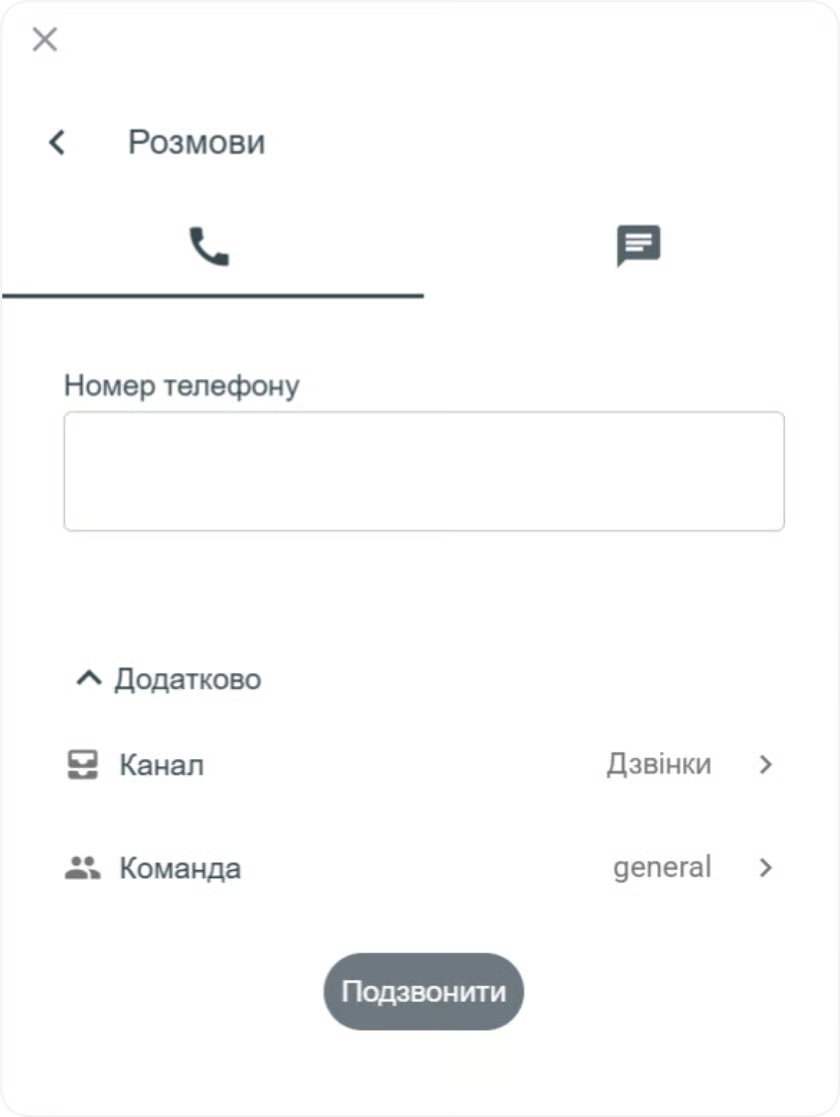
To make the first call, open the **Call** tab and fill in the following fields:
* **Phone number** — the number to which the call will be made.
Additionally, you can select:
1. **Channel** — the channel from which the call will be made
2. **Team** — the team within which the outgoing conversation should be handled
***
### **Send a message**
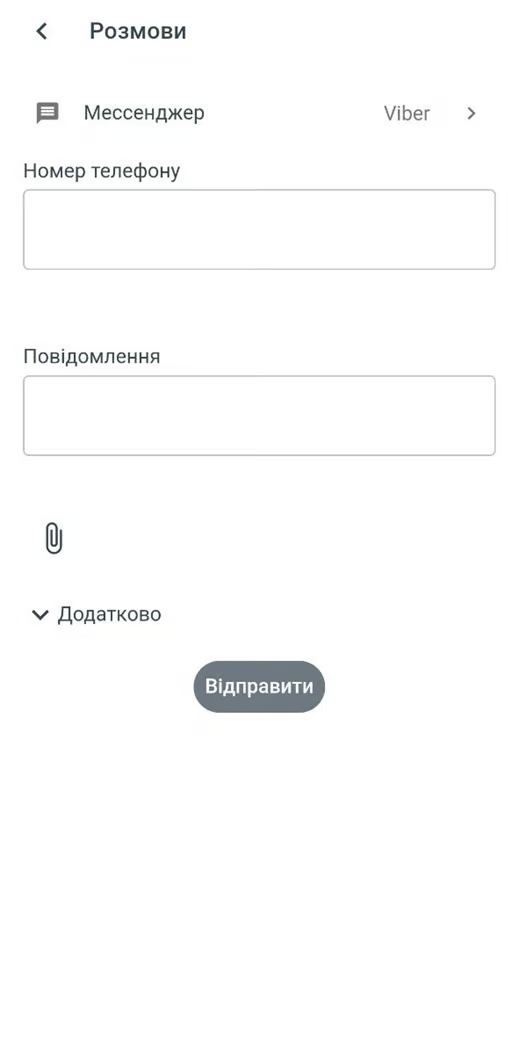
To send a message first, open the **Send Message** tab, select the messenger through which you want to send the message, and fill in the required fields specified for sending via that messenger.
You can initiate interaction first with new clients through the following channels:
* **API channel** (available for WhatsApp and Telegram messengers)
* **Telegram number**
* **Viber number**
{% hint style="warning" %}
This option is available only if there is a channel from which you can message a new client first (for this, the **Can message new clients first** option must be enabled in the Channel settings).
{% endhint %}
***
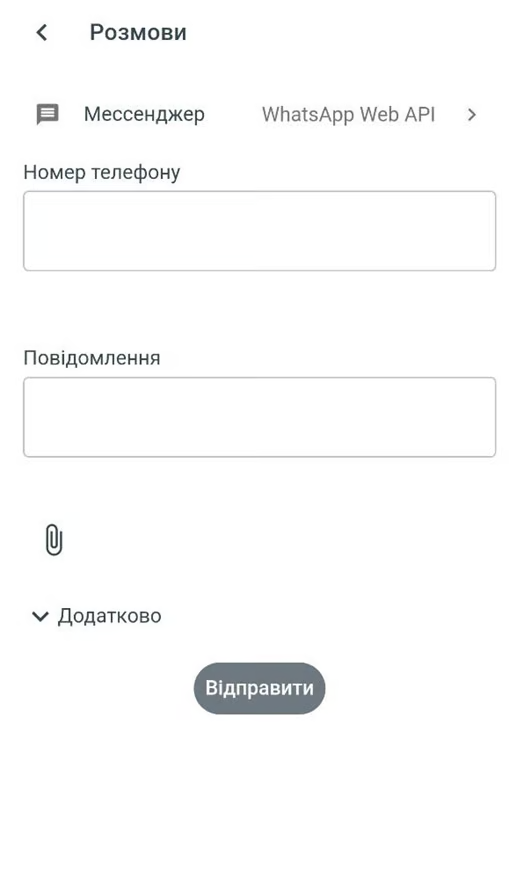
### **Write first via WhatsApp Web API**
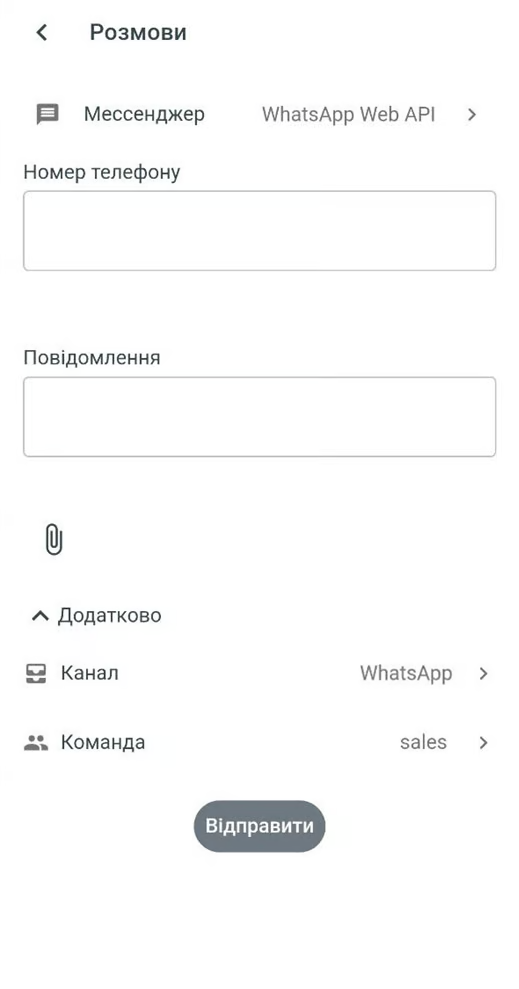
To message a client first via WhatsApp Web API, fill in the following fields:
* **Phone number** — the number to which the message will be sent
* **Message**
Additionally, you can select:
1. **Channel** — the channel from which the message will be sent
2. **Team** — the team within which the outgoing conversation should be handled
***
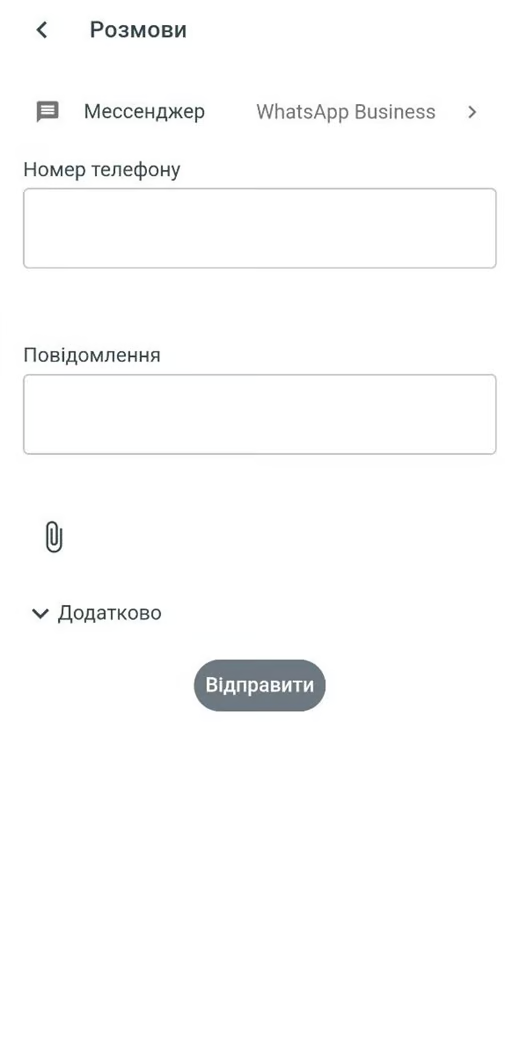
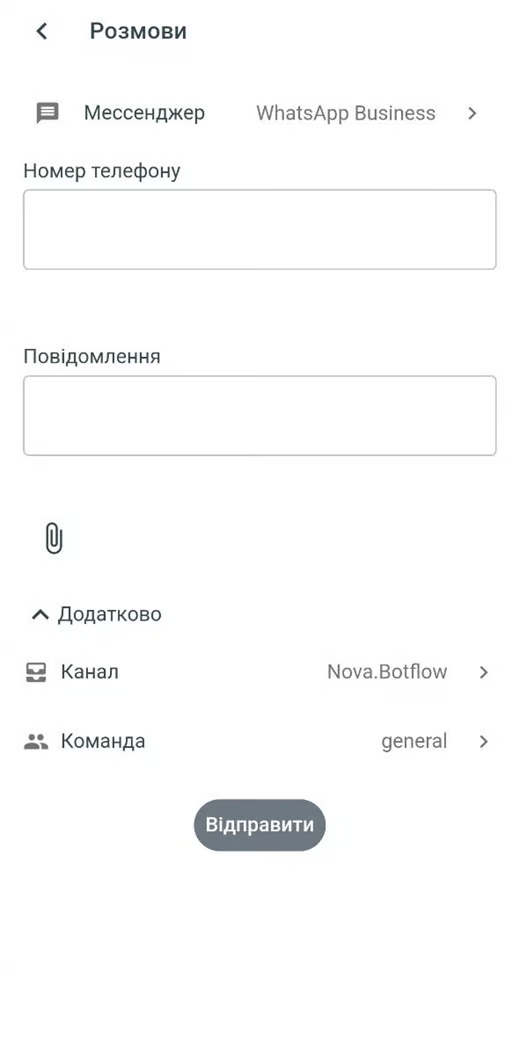
### **Write first via WhatsApp Business**
To message a client first via WhatsApp Business, fill in the following fields:
* **Phone number** — the number to which the message will be sent
* **Message**
Additionally, you can select:
1. **Channel** — the channel from which the message will be sent
2. **Team** — the team within which the outgoing conversation should be handled
{% hint style="info" %}
WhatsApp Business uses **24-hour messaging sessions**.\
When a client sends a message to your number, a 24-hour window opens during which you can send free-form messages to the user.\
Outside the 24-hour customer service window, you can only send approved [**HSM templates**](/en/get-started/conversations/conversation-panel/hsm-templates.md). Once the client responds to a template message, a new 24-hour communication window opens.
{% endhint %}
***
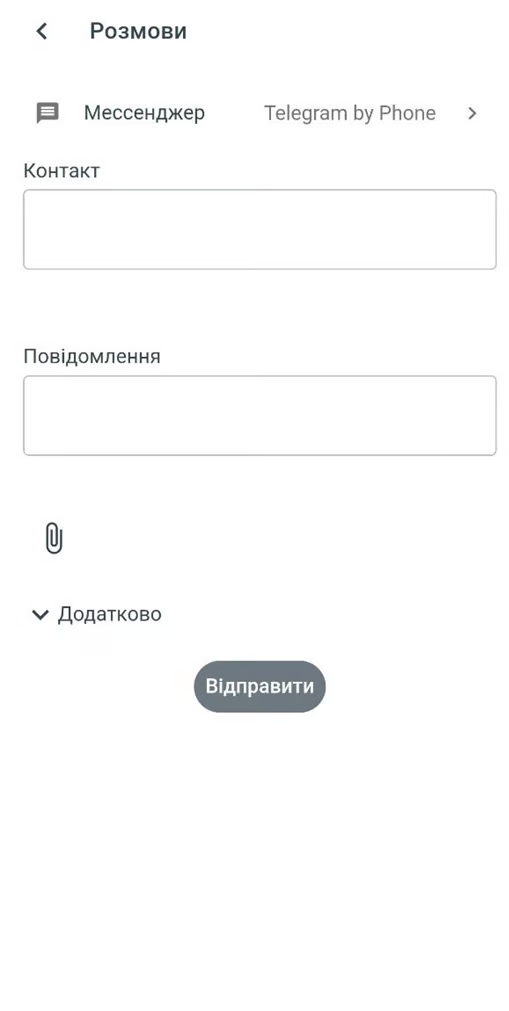
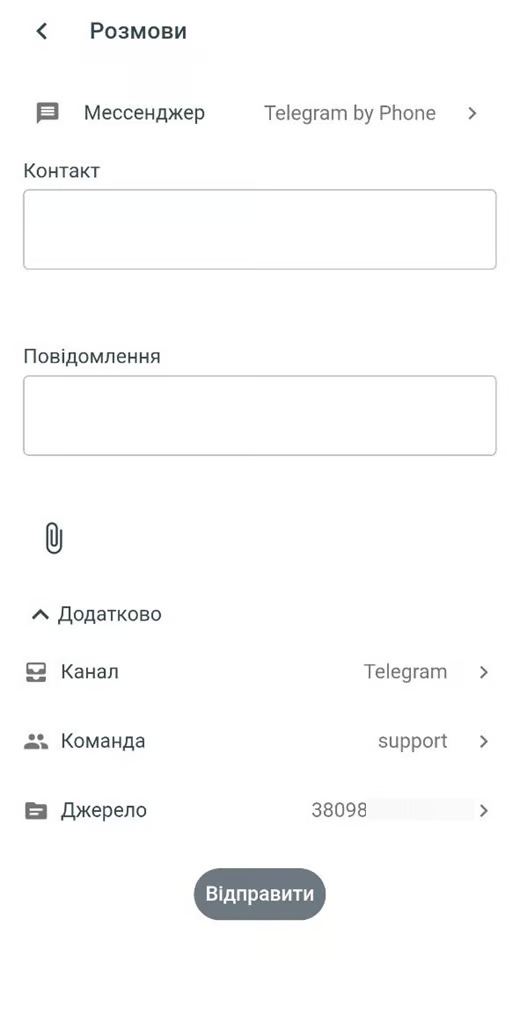
### **Write first via Telegram**
To message a client first via Telegram, fill in the following fields:
1. **Contact details** — phone number, username, or ChatID
{% hint style="info" %}
Telegram username should start with @
ChatID can be found in Conversations under the Conversation Information section
{% endhint %}
2. **Message**
Additionally, you can select:
1. **Channel** — the channel from which the message will be sent
2. **Team** — the team within which the outgoing conversation should be handled
3. **Sender phone number** — the phone number from which the message will be sent
{% hint style="info" %}
If Numbered Telegram is connected via the API Channel, the Sender phone number field will not be displayed
{% endhint %}
***
### **Write first via Viber**
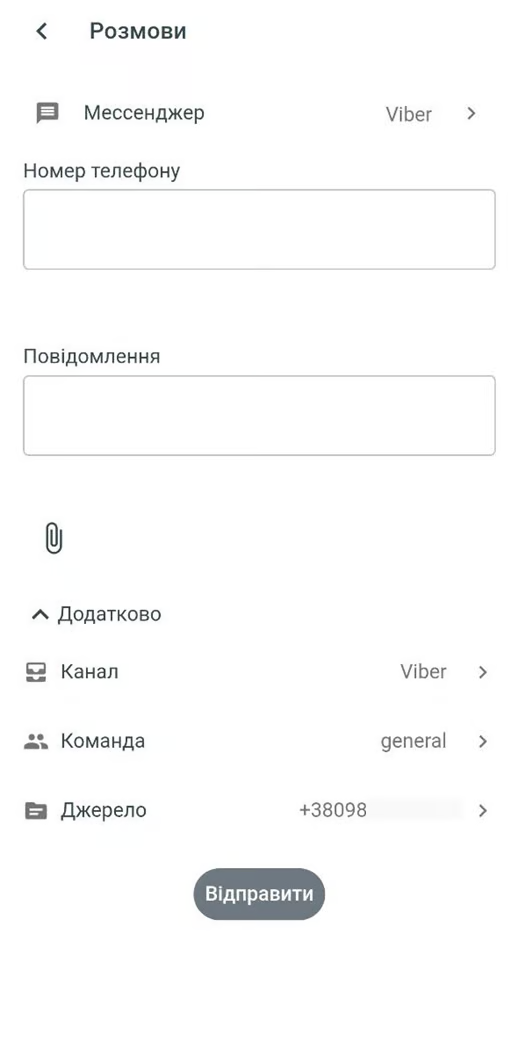
To message a client first via Viber, fill in the following fields:
1. **Phone number** — the number to which the message will be sent
2. **Message**
Additionally, you can select:
1. **Channel** — the channel from which the message will be sent
2. **Team** — the team within which the outgoing conversation should be handled
3. **Sender phone number** — the phone number from which the message will be sent