> For the complete documentation index, see [llms.txt](https://help.novatalks.com.ua/en/llms.txt). Markdown versions of documentation pages are available by appending `.md` to page URLs; this page is available as [Markdown](https://help.novatalks.com.ua/en/get-started/novatalks-sdk/interface-configuring-and-displaying-conversations.md).
# Interface: Conversation Settings and Display
### 1. **Interface on First Interaction**
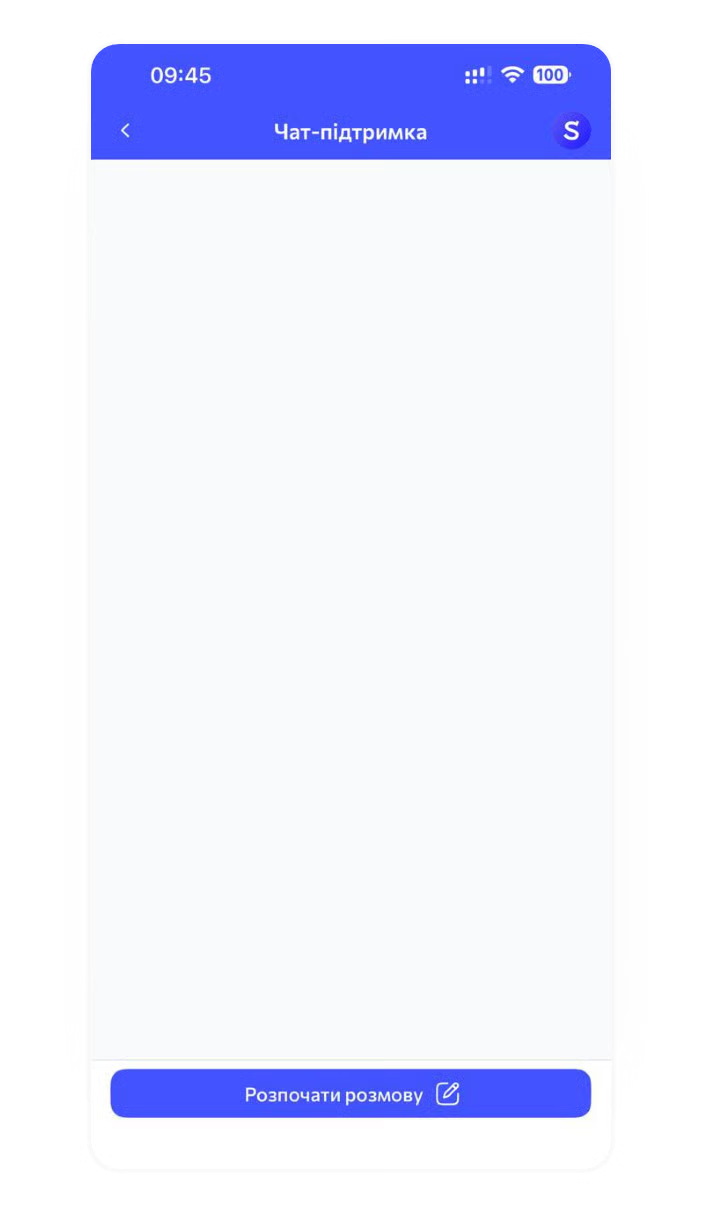
* If the client has not yet interacted with the chat bot:
* An empty conversation is displayed (the image and hint text can change as needed).
* To start a dialogue, the client must click **"Start Conversation."**
* After that, the chat bot logic is initiated.
2. **Interface on Subsequent Interactions**
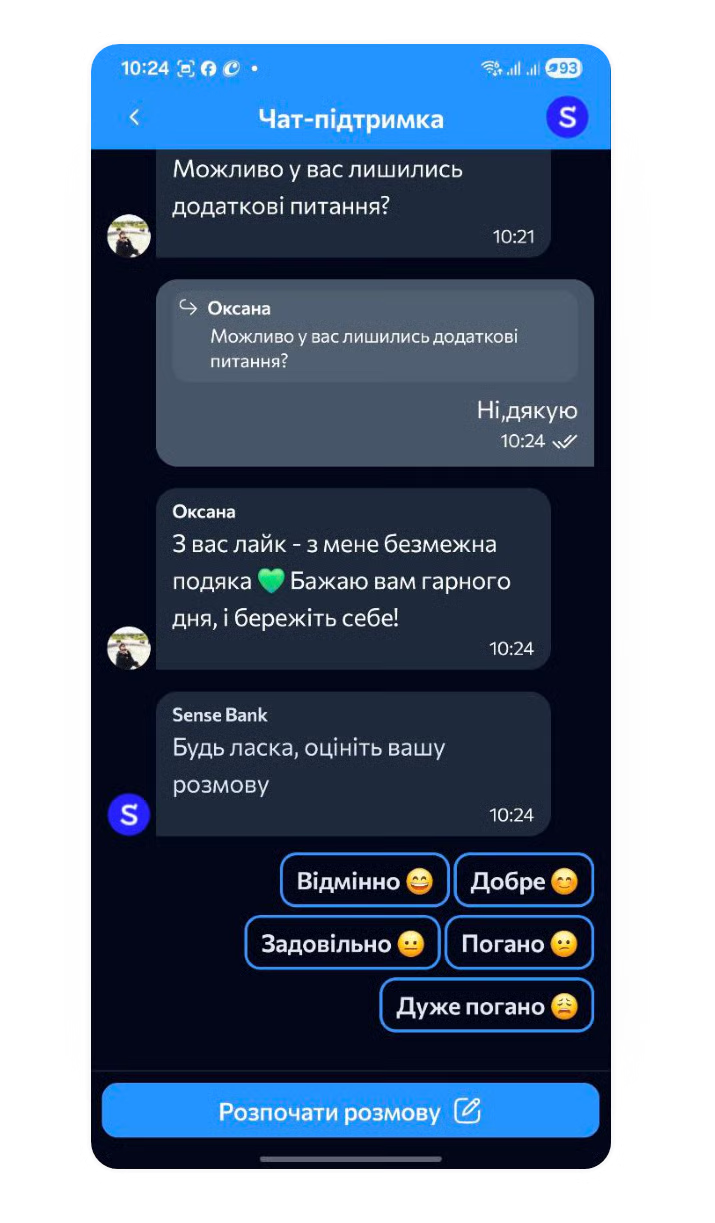
* If the previous dialogue is closed:
* To start a new dialogue, the client must click **"Start Conversation."**
* Then the chat bot logic is initiated.
3. **Conversation Display**
* The conversation is displayed as a continuous message thread (similar to messaging apps).
* The client enters the conversation directly after clicking the chat icon — there is **no need** to select a dialogue or **click** **"New Dialogue."**
{% hint style="info" %}
#### **Available Interface Settings**
* **Color Scheme:**
* Primary color
* Message block color (without changing text color)
* **Texts and Graphics:**
* Button text
* Organization logo and name
* Anonymization of agent messages (messages appear from the organization instead of the agent)
* Texts and image on the chat screen for the client’s first interaction
* **Other Settings:**
* Themes: Dark / Light
* **Localization**
{% endhint %}