> For the complete documentation index, see [llms.txt](https://help.novatalks.com.ua/en/llms.txt). Markdown versions of documentation pages are available by appending `.md` to page URLs; this page is available as [Markdown](https://help.novatalks.com.ua/en/get-started/outgoing-campaigns/lists/do-not-contact-lists.md).
# Do Not Contact Lists
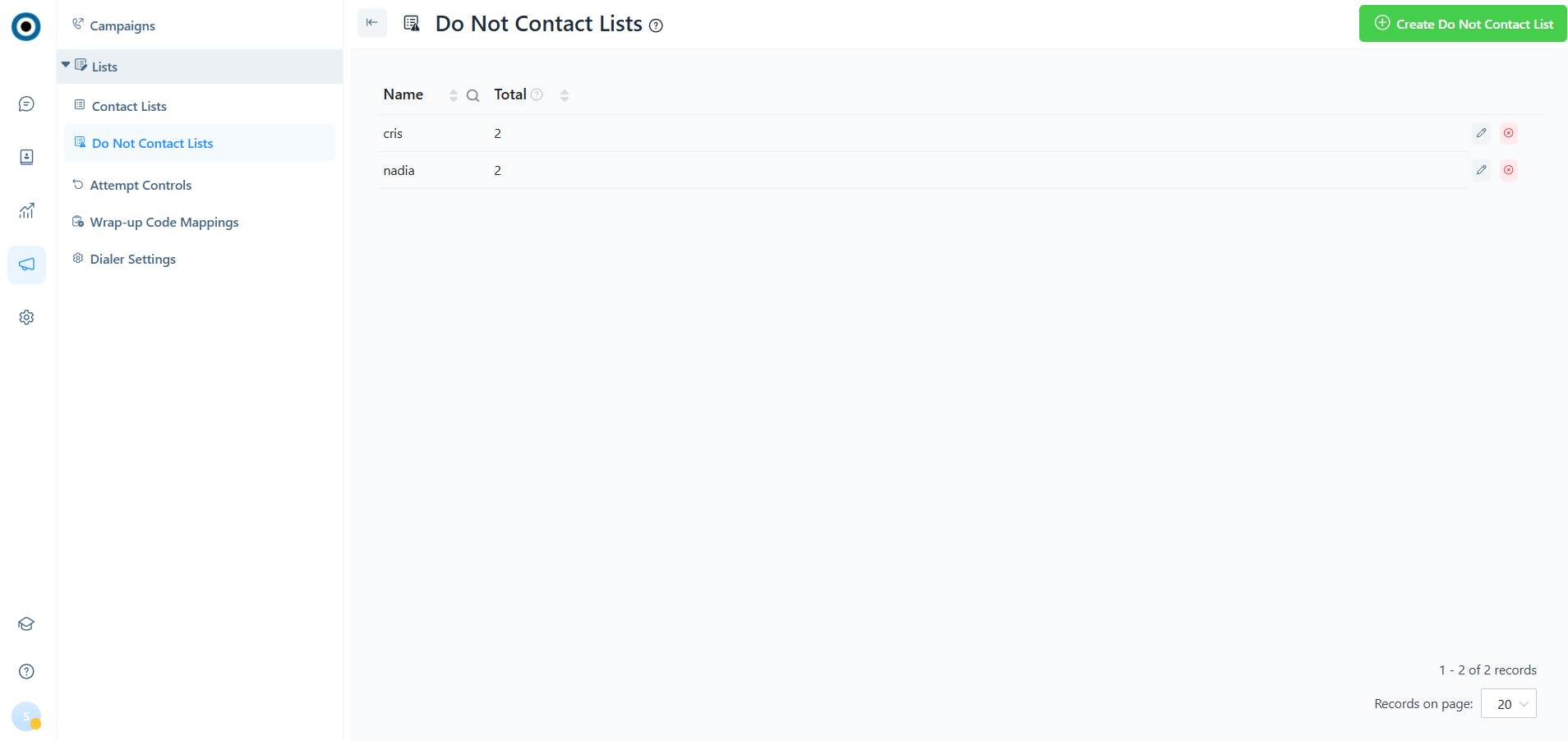
This section is designed for creating contacts that need to be excluded from interaction lists.
For each contact, multiple communication channels can be specified, such as several phone numbers, email addresses, messengers, etc.
1. Blocked Contacts List Name
2. Total: The number of contacts in the list
***
## **Creating/Editing a Do Not Contact List**
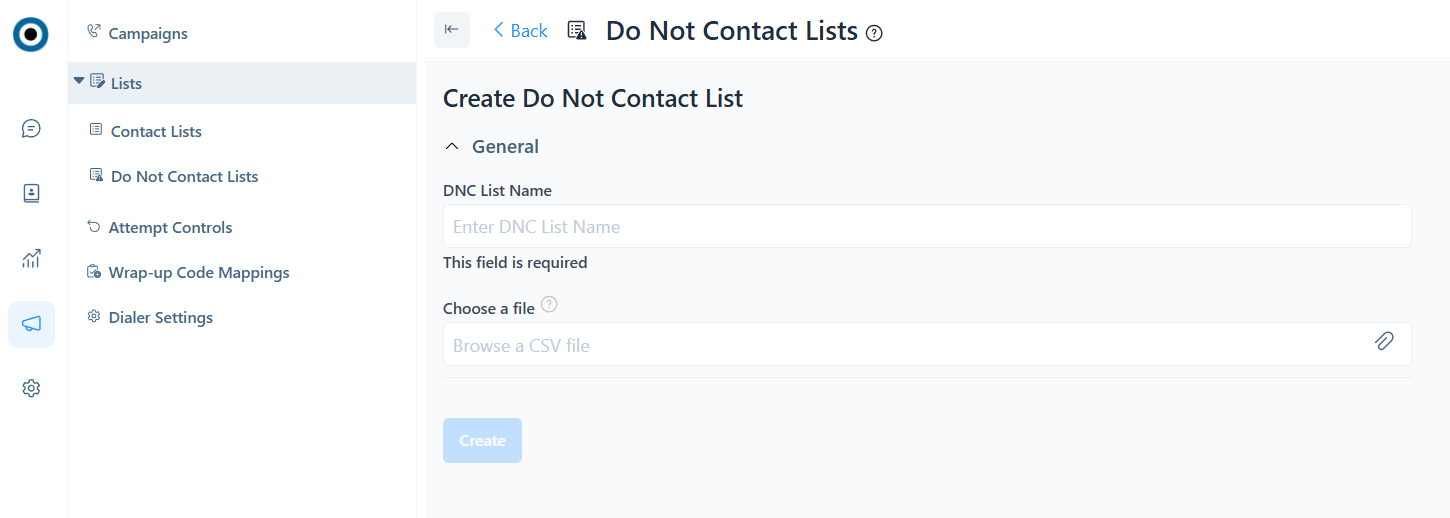
When creating a blocked contacts list, the following parameters must be specified:
1. Do Not Contact List Name
2. Upload a CSV file with the list of contacts
Format: CSV (comma-separated), where the first row contains column names and all subsequent rows contain contacts and their data.
When editing the contact list via this field, additional data can be uploaded. The format of the original file and the upload file must be the same.
{% hint style="success" %}
Example:
id,email,full\_name,debt
1,,nadya,75.25
2,,nadiia,150.5
3,,cristina,225.75
{% endhint %}
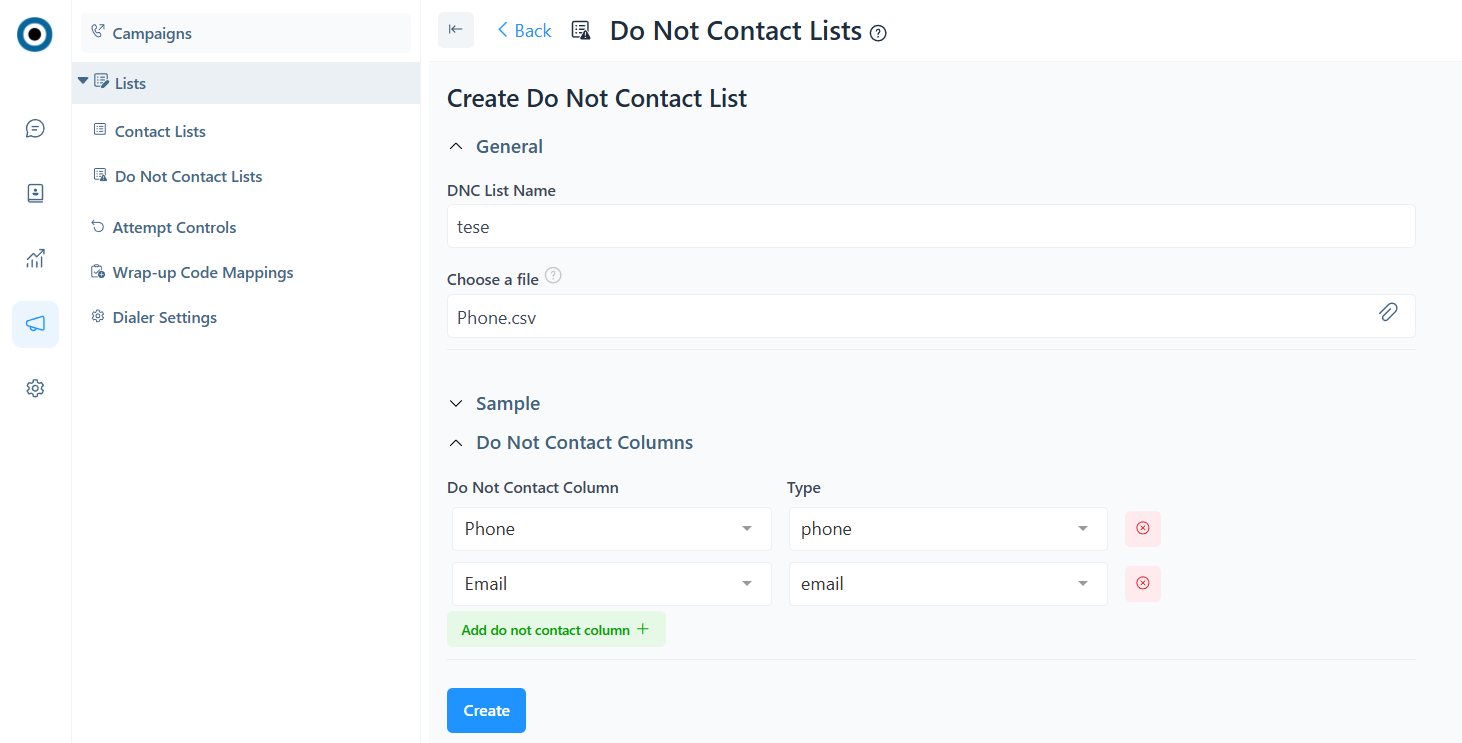
3. Sample: A table showing the data uploaded from the file.
4. Blocked contact columns are the contact details that need to be added to the blocked contacts list — for example, phone numbers, email addresses, NovaTalks conversation IDs, etc. A contact can have multiple contact details. In this case, the system will add all communication units as blocked. For each communication unit, its type must be specified.