> For the complete documentation index, see [llms.txt](https://help.novatalks.com.ua/en/llms.txt). Markdown versions of documentation pages are available by appending `.md` to page URLs; this page is available as [Markdown](https://help.novatalks.com.ua/en/get-started/settings/inboxes/whatsapp-by-phone.md).
# WhatsApp by phone
### Creating/Editing a WhatsApp by phone
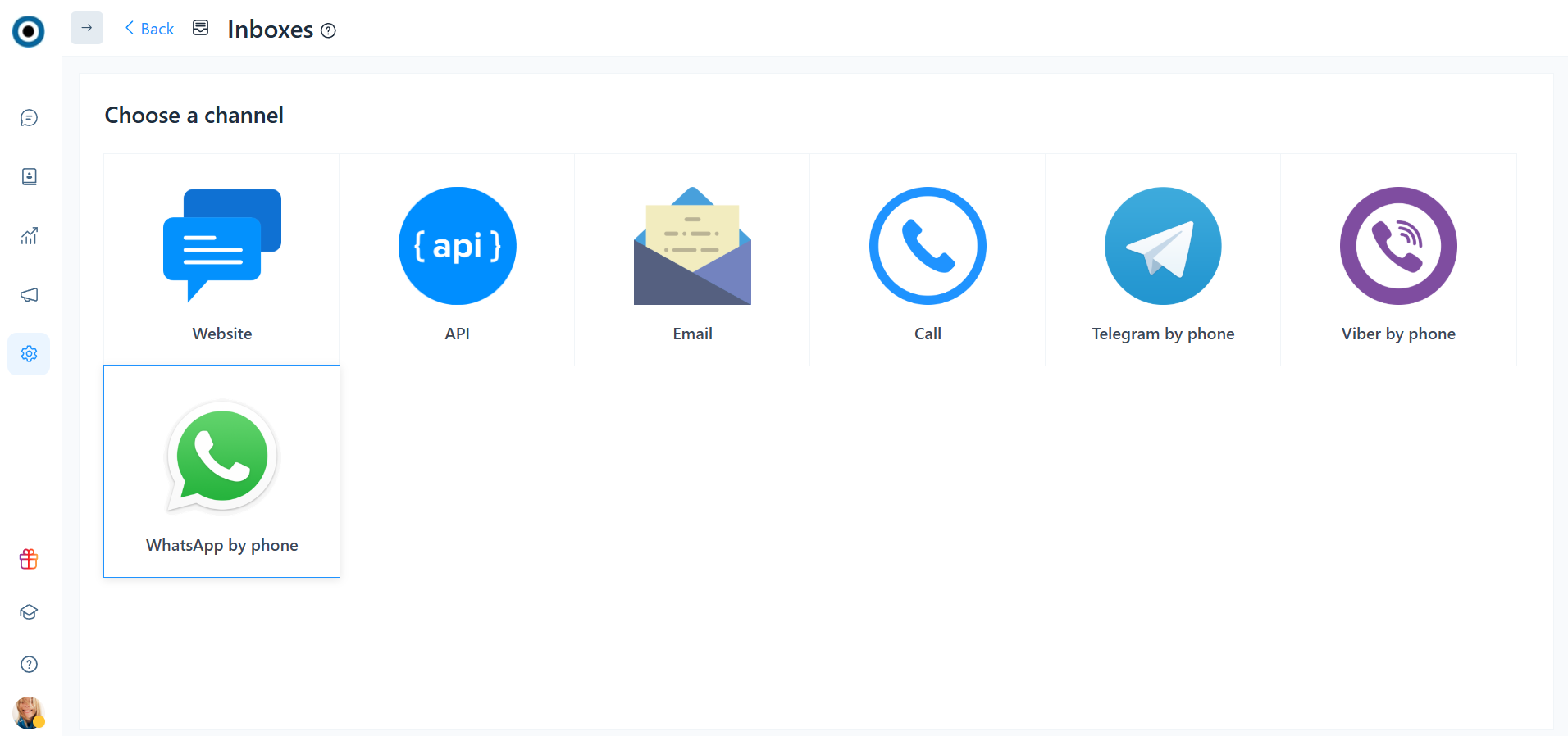
To connect a phone-number WhatsApp when creating a new channel, you must select the channel type — 'WhatsApp by phone'
### Basic inbox settings
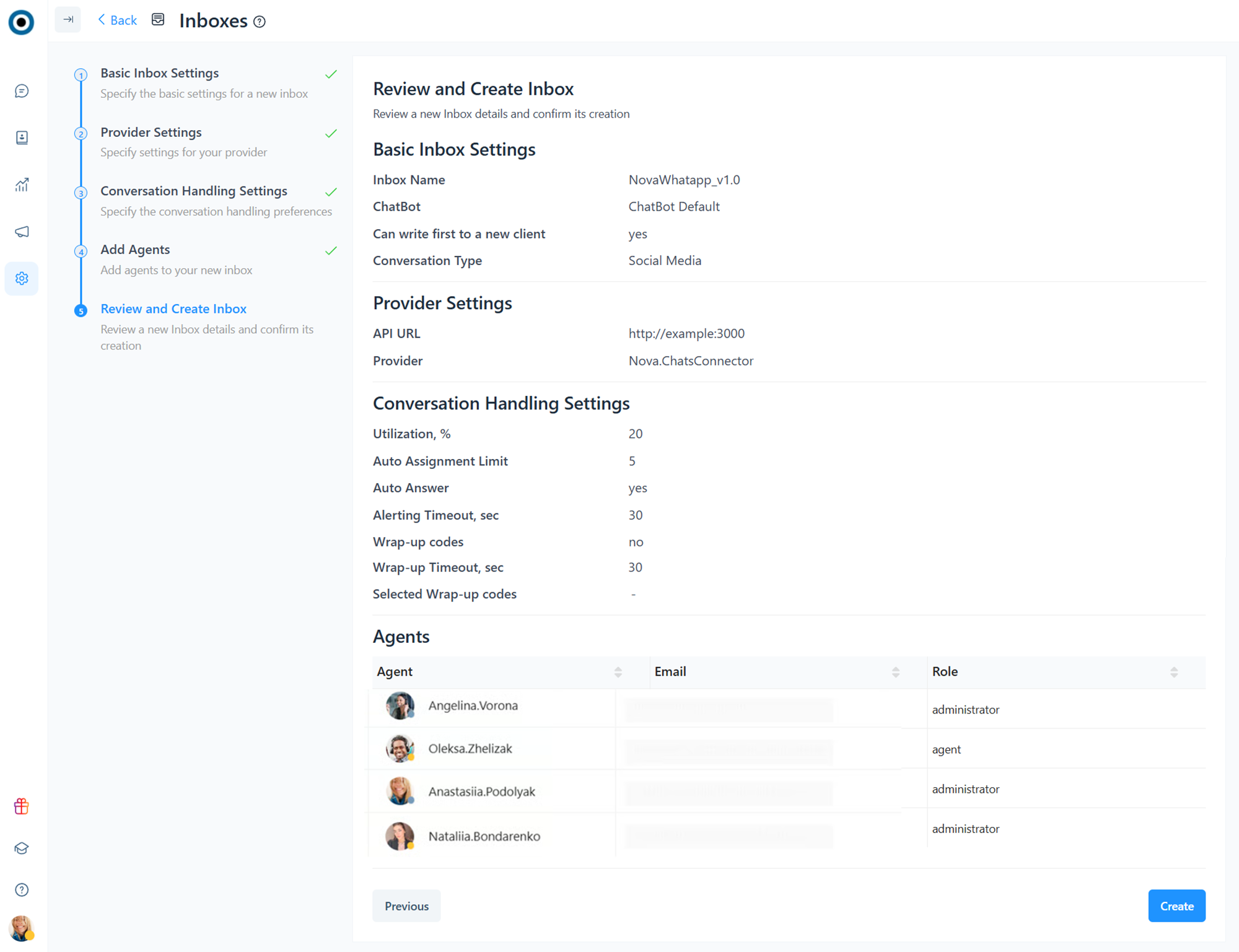
The main settings display the channel name, chatbot, conversation type, and the option “Can write first to a new client”.
1. **Channel Name**
2. **Chatbot** — the chatbot that will be connected to the channel. It is configured in the “Chatbots” section.
3. **Conversation Type** — the type of channel from which the client reached out, namely: chat, social media, email, or call.
4. **Can write first to a new client** — a feature that allows the operator to message a client first, even if the client has not yet contacted this channel.
***
### Provider settings
1. **Provider** — the provider through which the numbered WhatsApp is connected. The available provider is Nova.ChatsConnector.
2. **API URL** — the URL address used to make requests to the provider.
***
### Conversation Handling Settings
1. **Utilization, %** - an indicator that shows how much a certain dialogue utilizes an agent. Possible values: 0 - 100.
{% hint style="success" %}
Depending on the value of this parameter, the current utilization of an agent is calculated (the sum of the utilization of dialogs assigned to this agent).
When automatically distributing dialogs, an agent utilization should not exceed 100%.
Therefore, the lower the utilization value of a dialog assigned to a team, the more dialogs can be automatically distributed to an agent and vice versa.
{% endhint %}
2. **Auto Assignment Limit** - the maximum number of simultaneous conversations an agent can handle within a given Team and Conversation type. Once this limit is reached, ACD will no longer assign similar dialogues to that agent.
3. **Auto Answer** is the option that determines if a dialog is accepted automatically when assigned to an agent.
4. **Alerting Timeout** - the duration an agent has to accept or reject a conversation. If an agent does not respond within this time, the conversation returns to the beginning of the queue, and the agent's status changes to Busy substatus Not responding.
The option is available only if the Auto Answer option is disabled.
5. **Wrap-up codes** - special codes used to categorize dialogs with customers. They are selected by an agent after resolving a conversation.
6. **Wrap-Up Timeout (sec)** - the time limit for selecting a Wrap-up code. If an agent does not react within the specified time, a conversation resolves, and the Wrap-up code is not set.
***
### Agents
List of agents included in the channel.
***
### Viewing and Creating a Channel
Step for reviewing the settings of a new channel and confirming its creation.
***
### Adding Phone Numbers to a Channel
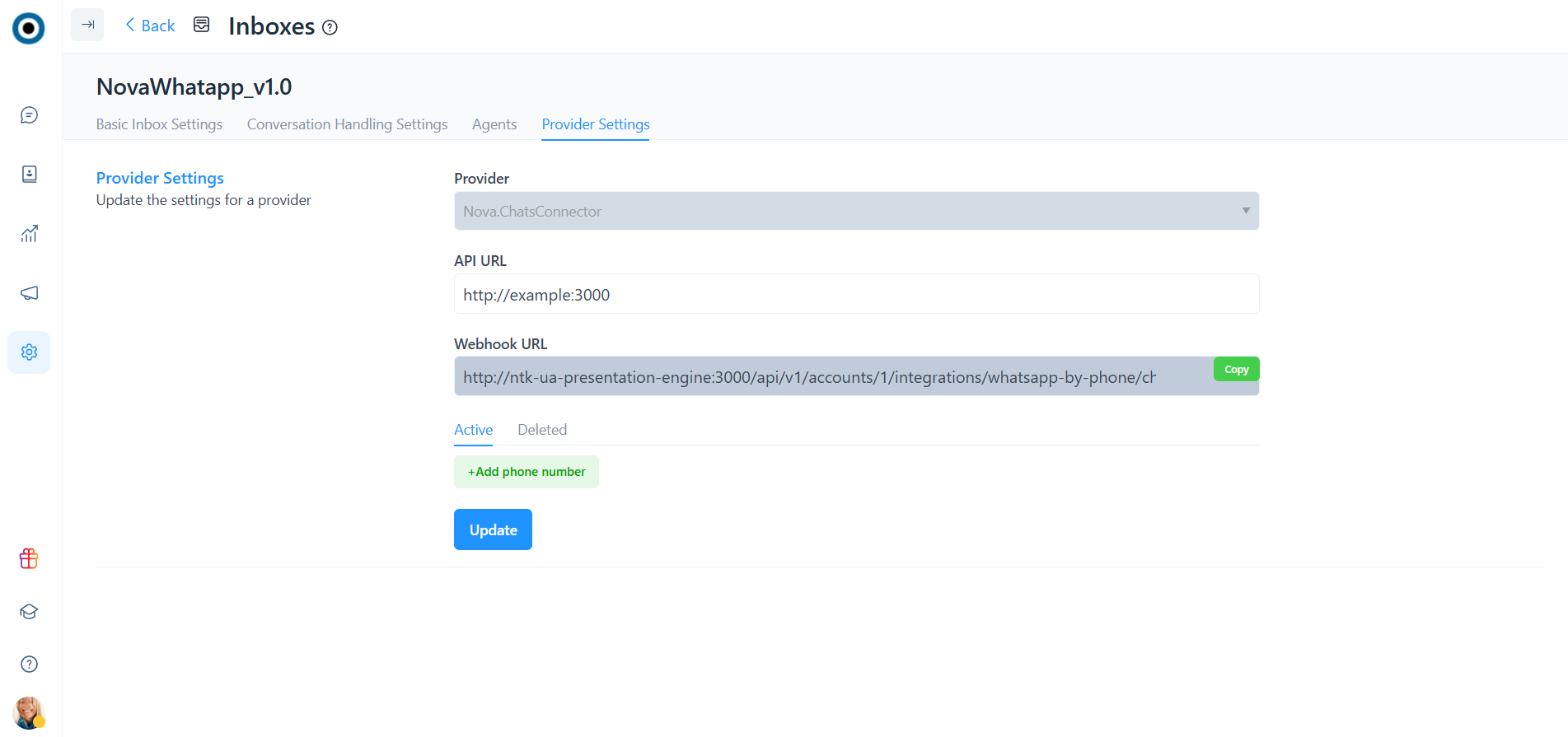
After creating a channel, go to the channel’s edit settings, add the phone number configuration, and connect the numbers.
{% hint style="info" %}
To complete the integration, provide the webhook URL and the phone numbers you want to connect to the channel to the NovaTalks support team.\
The API key will be provided by the support team.
{% endhint %}
1. Provider — the provider through which the numbered WhatsApp is connected. The available provider is Nova.ChatsConnector.
2. API URL — the URL used to make requests to the provider.
3. Webhook URL — the webhook URL used to connect the channel.
The “Phone Numbers” section has two subsections:
* **Active** — displays the list of active numbers;
* **Deleted** — displays the list of deleted numbers.
4. Phone Number — the phone number to connect.
5. API Key — the API key for the number to connect to NovaTalks.
{% hint style="info" %}
To ensure the integration is set up correctly and the API key is entered properly, click the “Verify” button.
{% endhint %}
6. Enable/Disable — a button that allows you to activate or deactivate the integration for the specified phone number.
To add a new phone number, select “Add Phone Number.”